
Channels and groups
Build a recognizable visual style for a community, then expand or update it whenever you need.
 Open editor
Online Telegram sticker maker
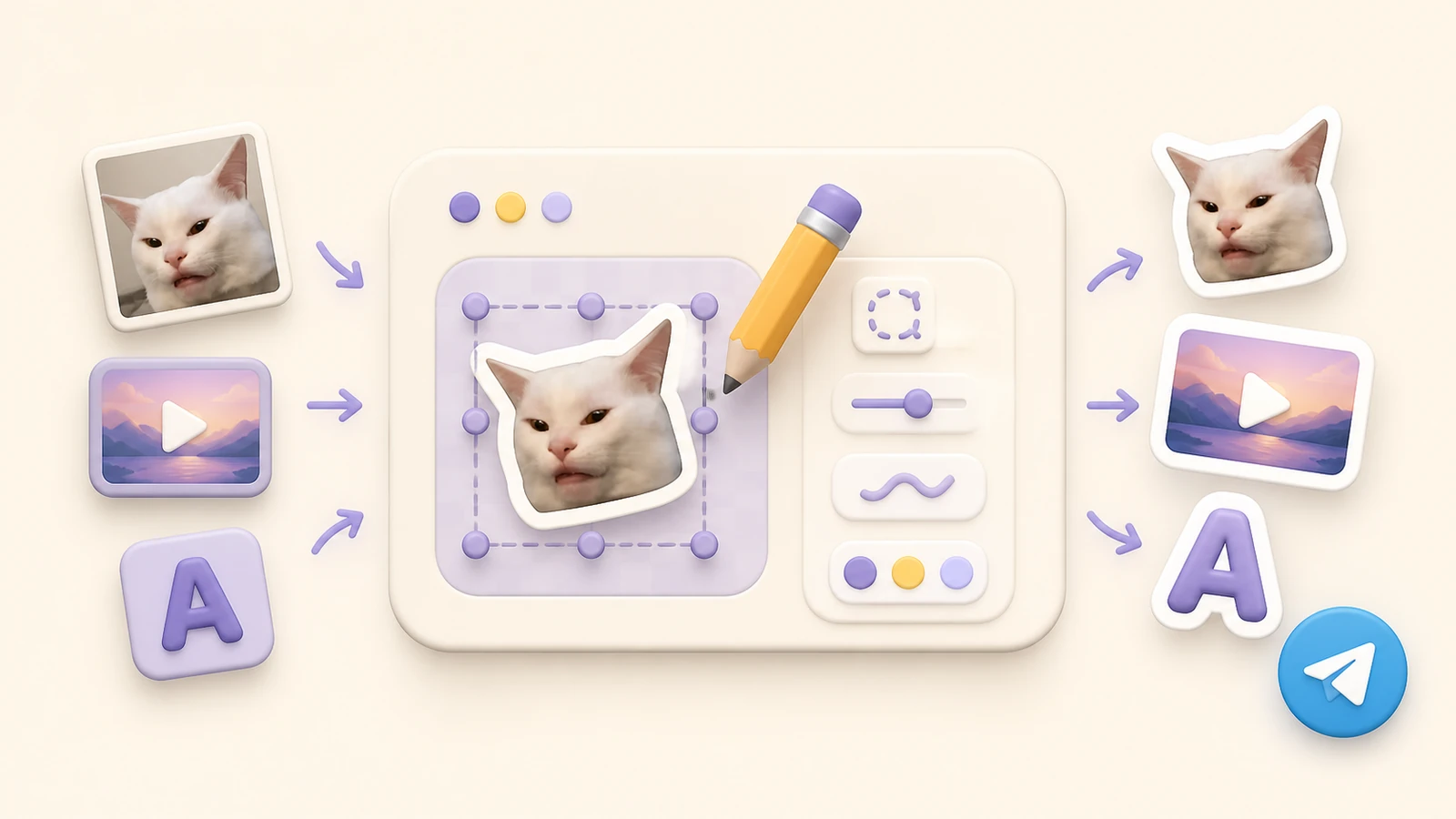
Turn photos, videos, GIFs and ideas into polished sticker packs. StickerPen handles sizing, format conversion and publishing, so you can focus on the artwork.

AI sticker generator
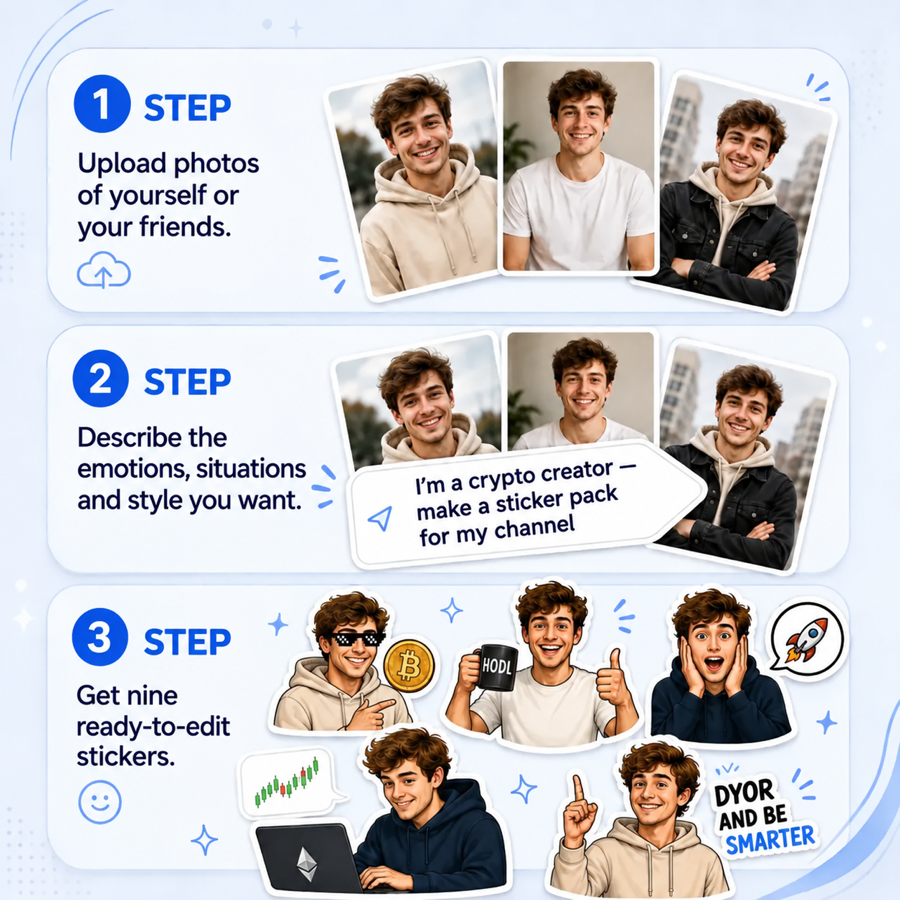
Upload reference photos, describe a shared visual style and choose the emotions or situations you want. StickerPen turns the brief into nine editable sticker ideas and generated images.
Build a recognizable visual style for a community, then expand or update it whenever you need.
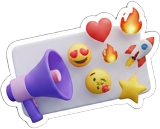
Use multi-emoji banners and branded reactions to make posts easier to scan and recognize.
Turn your favorite reactions, pets and inside jokes into a pack everyone can share.
Add, crop, rotate, resize and label your artwork without switching between apps.

Automatic preparation
Skip manual resizing, video conversion and repeated upload errors. StickerPen creates Telegram-ready files and gives you a link to the finished pack.

Follow the exact workflow you need, from the first upload to updating a published pack.
Start StickerPen, create a project and add photos, videos, GIFs, stickers or custom emoji.
Add reference photos, describe the style and select the best results for your sticker pack.
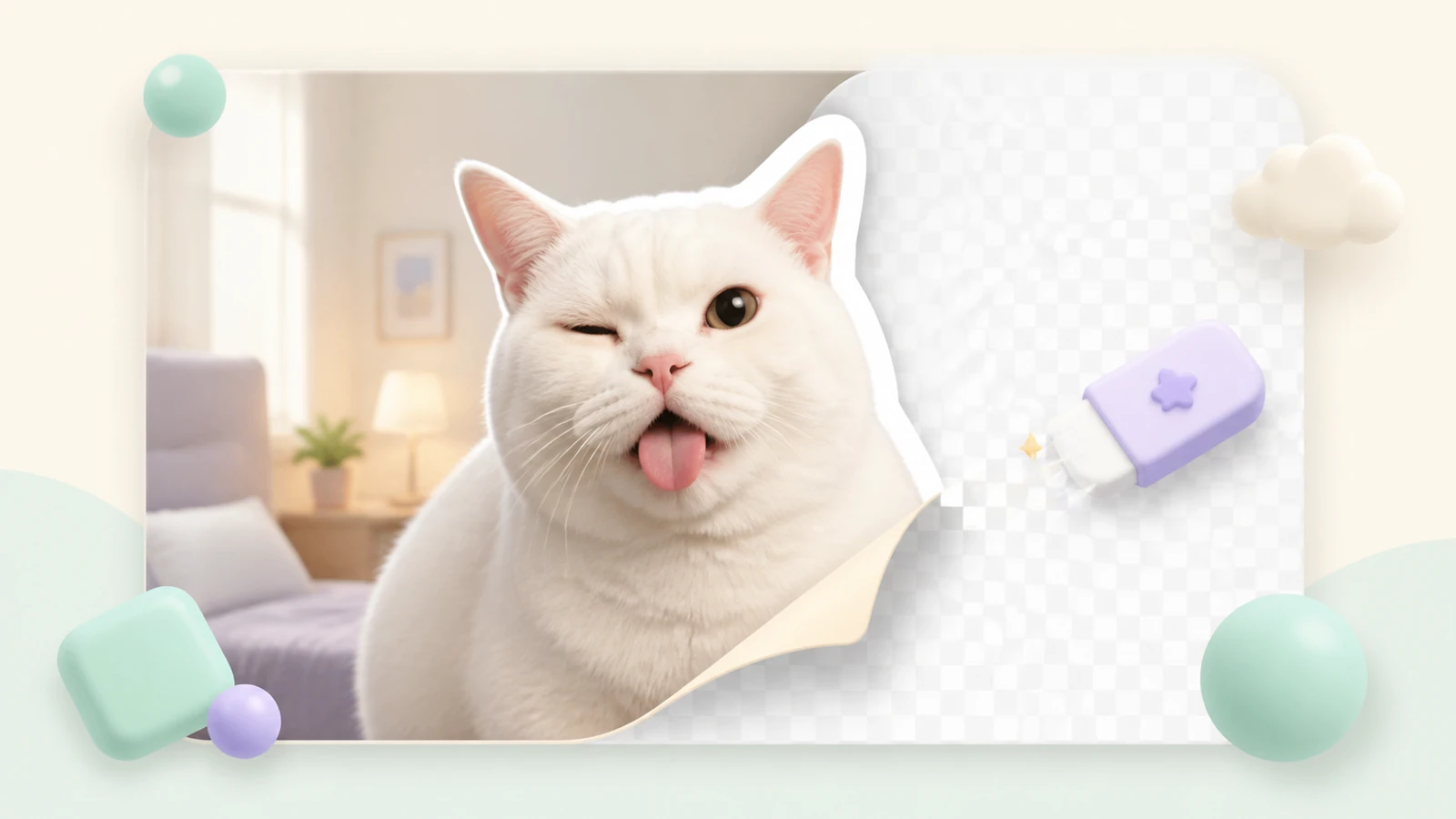
Remove the background automatically, then refine the mask to restore small details.
Adjust the crop boundaries, fit the object inside its slot and keep the final artwork balanced.
Assign relevant emoji so Telegram can connect each sticker to the right reactions.
Prepare a sticker or custom emoji pack and receive a shareable Telegram link.
Edit your project and update only the slots that changed after publishing.
The essentials of making and publishing Telegram stickers with StickerPen.
Yes. Upload a photo, video or GIF, edit each sticker and publish the complete Telegram pack from your browser.
No. StickerPen prepares the dimensions, format, video duration and file size required by Telegram.
Yes. Use AI background removal first, then refine the result with erase and restore brushes.
Yes. Describe your idea, add reference photos and generate nine editable sticker concepts in a consistent style.
Yes. StickerPen prepares the files and gives you a link to the published sticker or custom emoji pack.
Small test packs are free. Larger projects and AI generation are available with expanded paid limits.
Practical tutorials, format requirements and ideas for better packs.
Guide
Prepare the artwork, remove the background and publish a pack without wrestling with file formats.
Tutorial
Turn a photo into a clean transparent sticker and check the result on both light and dark chat themes.
Tutorial
Set, change or remove an emoji status and learn how to make a custom option for your profile.
Guide
Transform a photo or illustration into compact reactions for messages, profiles and channels.