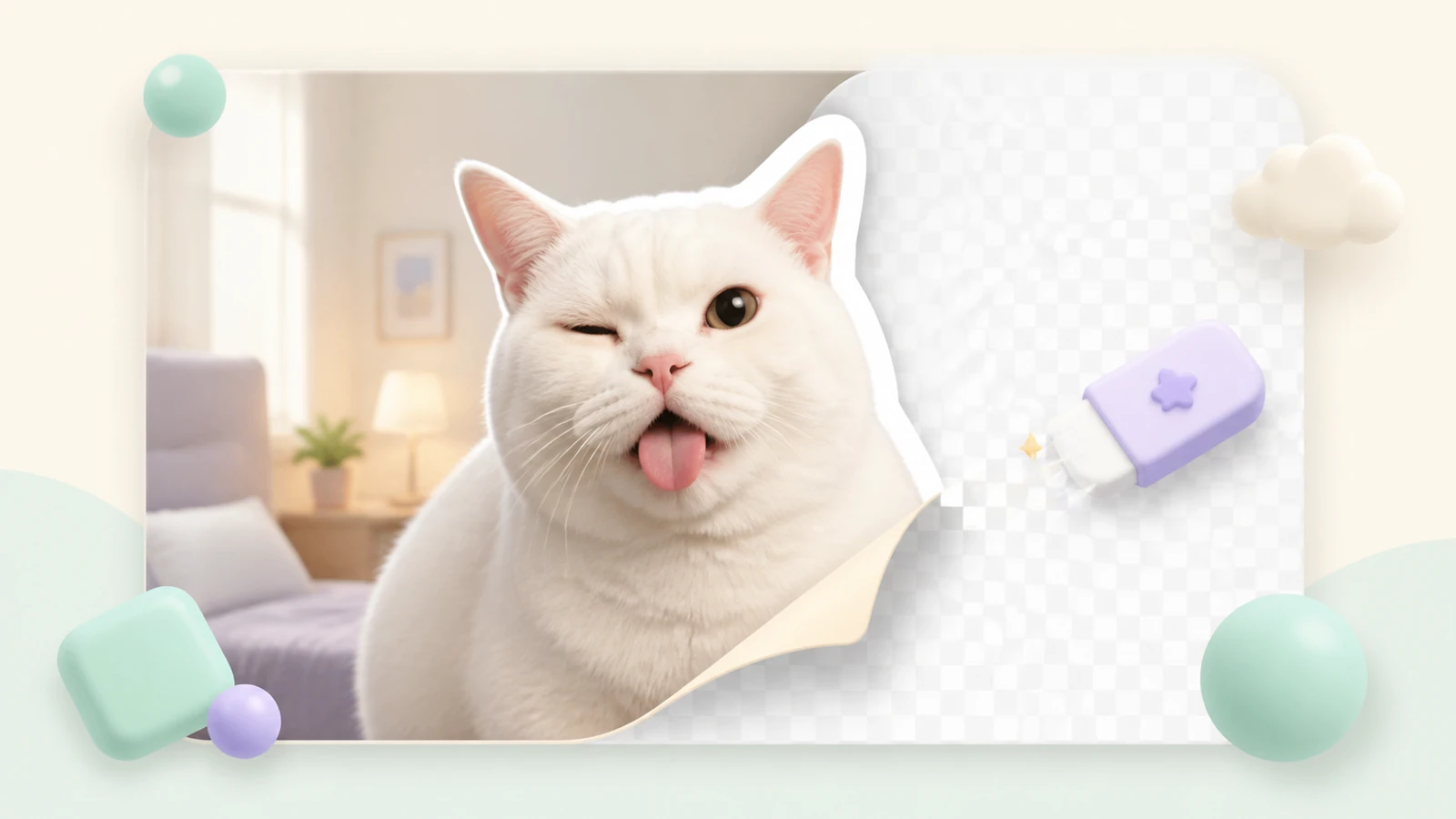
A clean transparent background makes a Telegram sticker feel like part of the conversation instead of a rectangular photo. The best result combines fast AI removal with a short manual edge check.
When should you remove the background?
Remove it when the main subject is a person, pet, product, logo or meme element. Keeping the surrounding room, street or colored rectangle usually makes the sticker harder to read.
- Use a high-resolution source with a clear subject.
- Crop away empty space before refining tiny edges.
- Watch for hair, fur, fingers, glass and soft shadows.
- Keep intentional holes inside letters and objects.
Remove an image background in StickerPen
- Upload the photo and select it on the canvas.
- Run AI background removal for the first transparent cutout.
- Open mask mode and zoom in around the outline.
- Erase leftover background and restore missing subject details.
- Preview the result on both light and dark backgrounds.
Use a large soft brush for open areas and a smaller, harder brush near important contours. Short strokes are easier to correct.
Prepare the transparent file for Telegram
Static Telegram stickers can use PNG or WebP. One side of a regular sticker must be exactly 512 pixels; custom emoji are exactly 100×100 pixels. StickerPen applies the required output dimensions when publishing.
| Check | What to look for |
|---|---|
| Edges | No halos, jagged cutouts or floating pixels |
| Scale | The subject remains recognizable at chat size |
| Contrast | Readable on light and dark themes |
| Transparency | No accidental white or colored rectangle |
Common background-removal mistakes
Do not hide a poor mask under an excessively thick outline. A subtle white border and shadow can improve contrast, but the underlying silhouette should still be clean.
If AI removes part of the subject, switch to restore mode instead of restarting. If the original background has colors similar to the subject, expect to spend more time around the shared edge.
Turn a photo into a transparent sticker
Remove the background, refine the edges and publish a Telegram-ready pack.
Open StickerPen