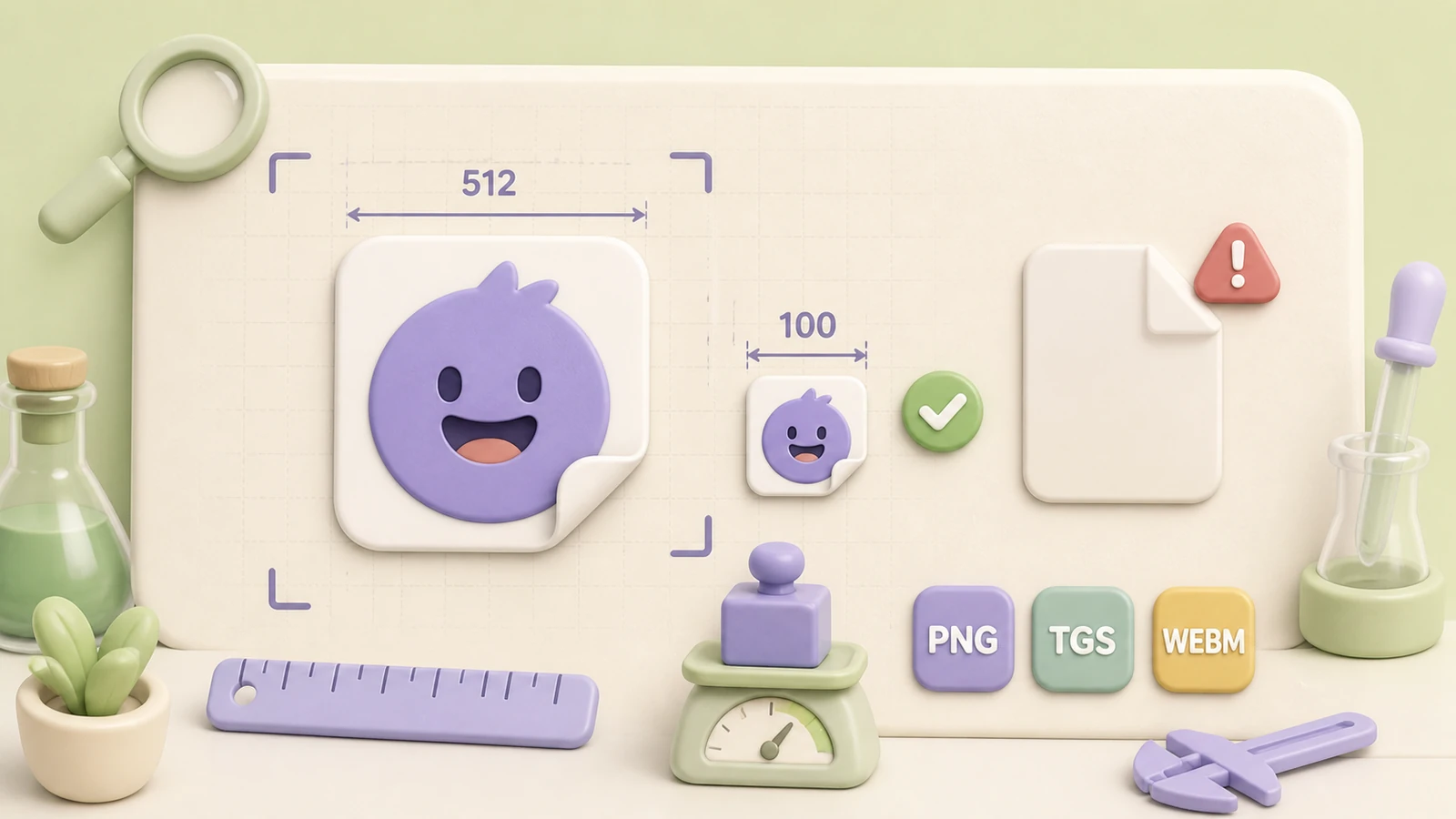
Telegram uses different dimensions and limits for static, animated and video stickers. This checklist covers the values you need before publishing a regular sticker or custom emoji pack.
Static sticker size
Static stickers use PNG or WebP. For a regular sticker, either width or height must be exactly 512 pixels and the other dimension can be 512 pixels or less. Custom emoji are exactly 100×100 pixels.
| Asset | Dimensions | Format |
|---|---|---|
| Regular static sticker | One side 512 px; the other ≤512 px | PNG or WebP |
| Static custom emoji | 100×100 px | PNG or WebP |
Transparency is supported. A white outline and a subtle dark shadow can improve contrast across different chat themes.
Video sticker requirements
| Parameter | Limit |
|---|---|
| Format | WebM, VP9 video |
| Audio | None |
| Duration | Maximum 3 seconds |
| Frame rate | Up to 30 FPS |
| File size | Up to 256 KB |
| Sticker dimensions | One side 512 px; the other ≤512 px |
| Custom emoji | 100×100 px |
TGS animated sticker requirements
| Parameter | Limit |
|---|---|
| Canvas | 512×512 px |
| Duration | Maximum 3 seconds |
| Frame rate | 60 FPS |
| File size | Up to 64 KB |
| Playback | Must loop |
TGS is based on Lottie and restricts several animation features. Review Telegram’s official documentation before exporting a complex animation.
Why a valid file can still look weak
Technical compliance is only the first step. Leave enough transparent margin, keep the focal point large, use readable outlines and test the result at actual chat size. A 512-pixel image can still feel tiny if the subject occupies only a small part of the canvas.
Let StickerPen handle the export
Add the source artwork at its original quality, crop it visually and publish from StickerPen. The service prepares the target dimensions and converts supported media for the selected Telegram pack type.