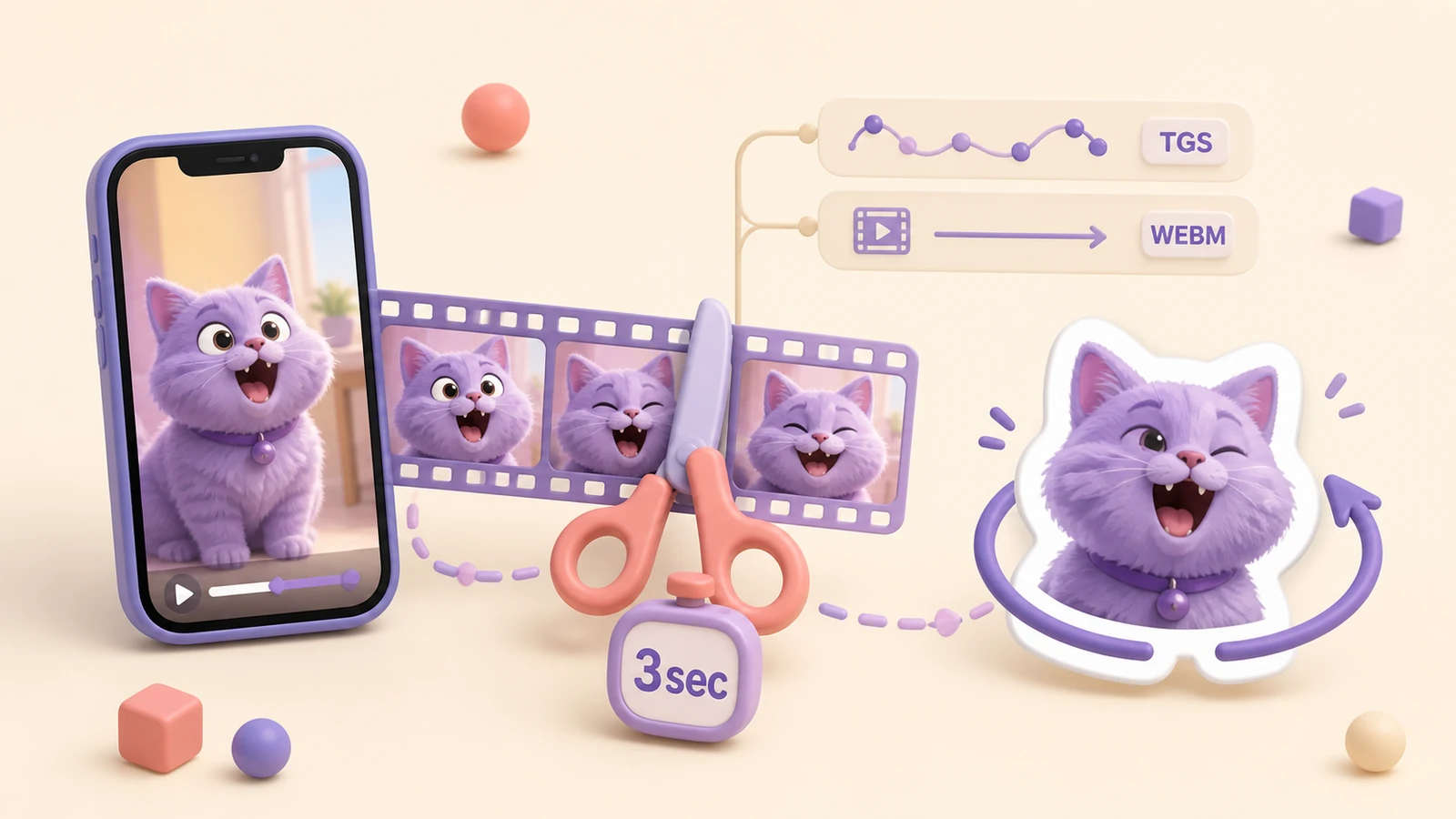
A Telegram video sticker is a short silent WebM clip encoded with VP9. You can create one from a phone video, GIF, rendered animation or Telegram video message.
Telegram video sticker requirements
| Parameter | Requirement |
|---|---|
| Container and codec | WebM with VP9 |
| Audio | No audio stream |
| Sticker dimensions | One side exactly 512 px; the other 512 px or less |
| Custom emoji dimensions | Exactly 100×100 px |
| Duration | Up to 3 seconds |
| Frame rate | Up to 30 FPS |
| File size | Up to 256 KB |
Telegram recommends a seamless loop. The current specification is available in the official encoding guide.
Choose a clip that works as a sticker
Look for one recognizable action: a wave, laugh, nod, surprised turn or simple object movement. Avoid camera cuts, long setup and important details at the edge of the frame.
Create the video sticker in StickerPen
- Upload the video or send it through the Telegram bot.
- Select a segment no longer than three seconds.
- Crop and scale the subject inside the sticker slot.
- Preview the motion and check the beginning and end of the loop.
- Assign emoji and publish the pack.
StickerPen handles the silent WebM conversion and size preparation, so you do not need to configure FFmpeg, VP9 or export bitrate manually.
TGS or video?
Choose TGS for purpose-built vector animation and WebM for photographic footage, memes, GIFs or rendered motion. TGS can be extremely sharp and lightweight, but WebM is normally the more direct route for non-animators.
Turn a video into a Telegram sticker
Choose a short moment and let StickerPen prepare the file and publish the pack.
Open StickerPen