The same StickerPen project can be published as a regular sticker pack or a custom emoji pack. StickerPen prepares each slot and guides you to the finished Telegram link.
1. Open publishing
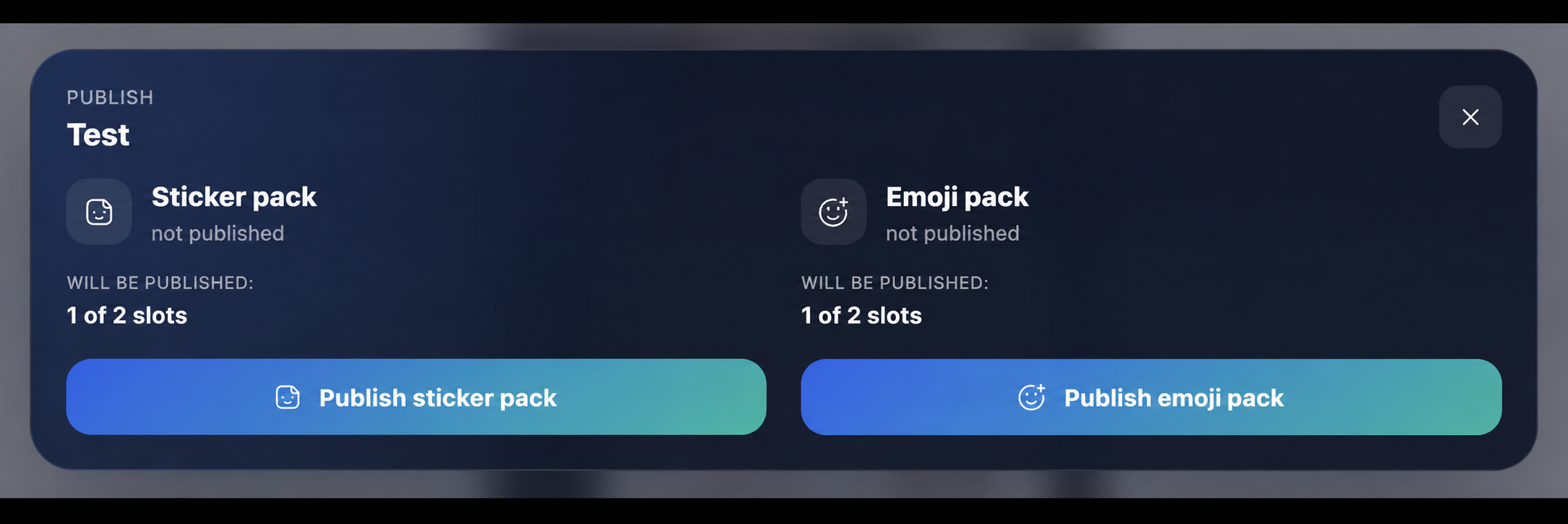
Save the project, then open the publishing dialog. Empty slots are skipped automatically.
2. Choose the pack type
Select a sticker pack for large images sent as separate messages. Select a custom emoji pack for compact artwork used inside text, reactions and supported profile features.
3. Wait for processing
StickerPen renders and uploads the non-empty slots. Keep the editor open until the process reports success or clearly identifies a slot that needs attention.
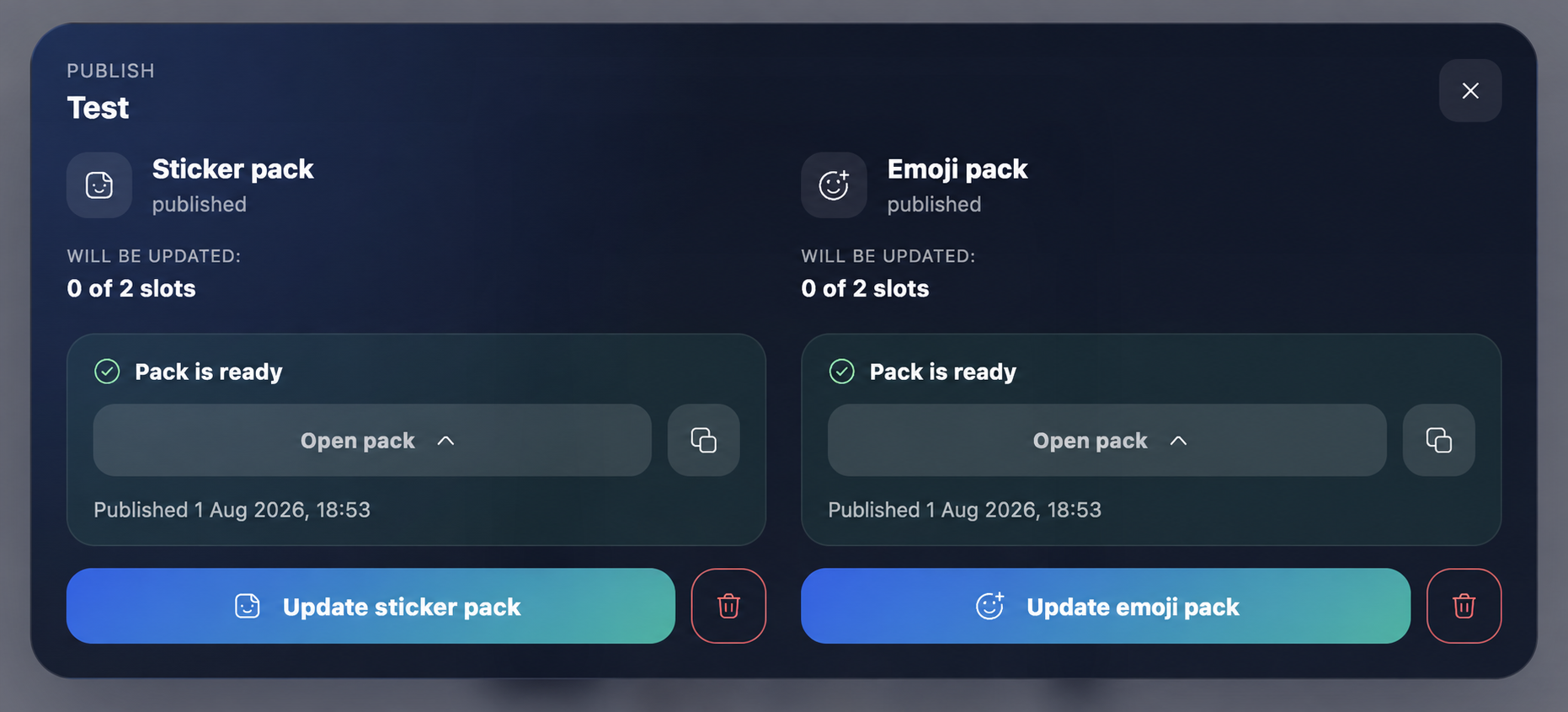
4. Open or copy the pack link
Use the final Telegram link to add the pack to your account or share it with other people.
Tip:Give the project a clear title before publishing. It becomes easier to recognize when you manage several packs.
Next guide
Update a published pack