A StickerPen project keeps every sticker or custom emoji in its own slot. You can add media from your device or send it through the Telegram bot, then edit everything on one canvas.
1. Open StickerPen and create a project
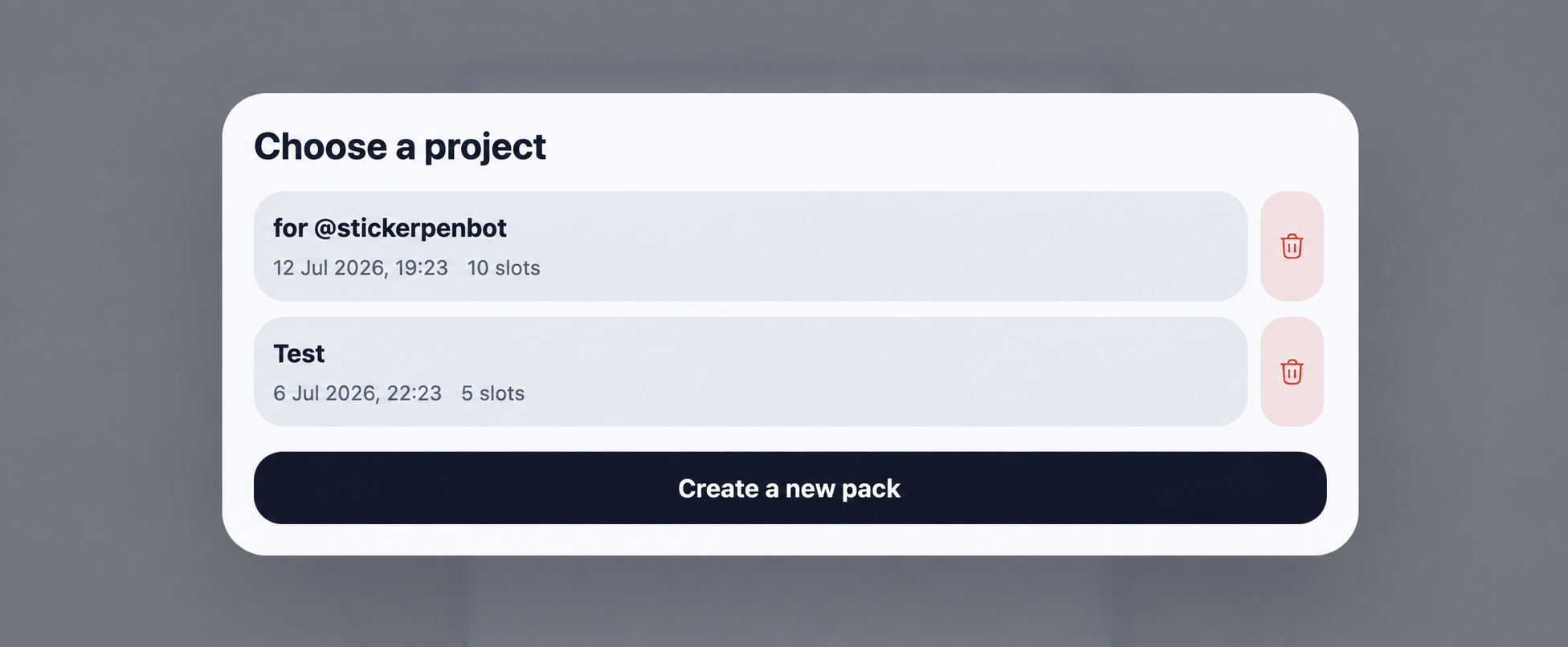
Open the StickerPen bot and launch the editor. A first project is created automatically; returning users can select an existing pack or start a new one.
2. Add photos, videos, GIFs or stickers
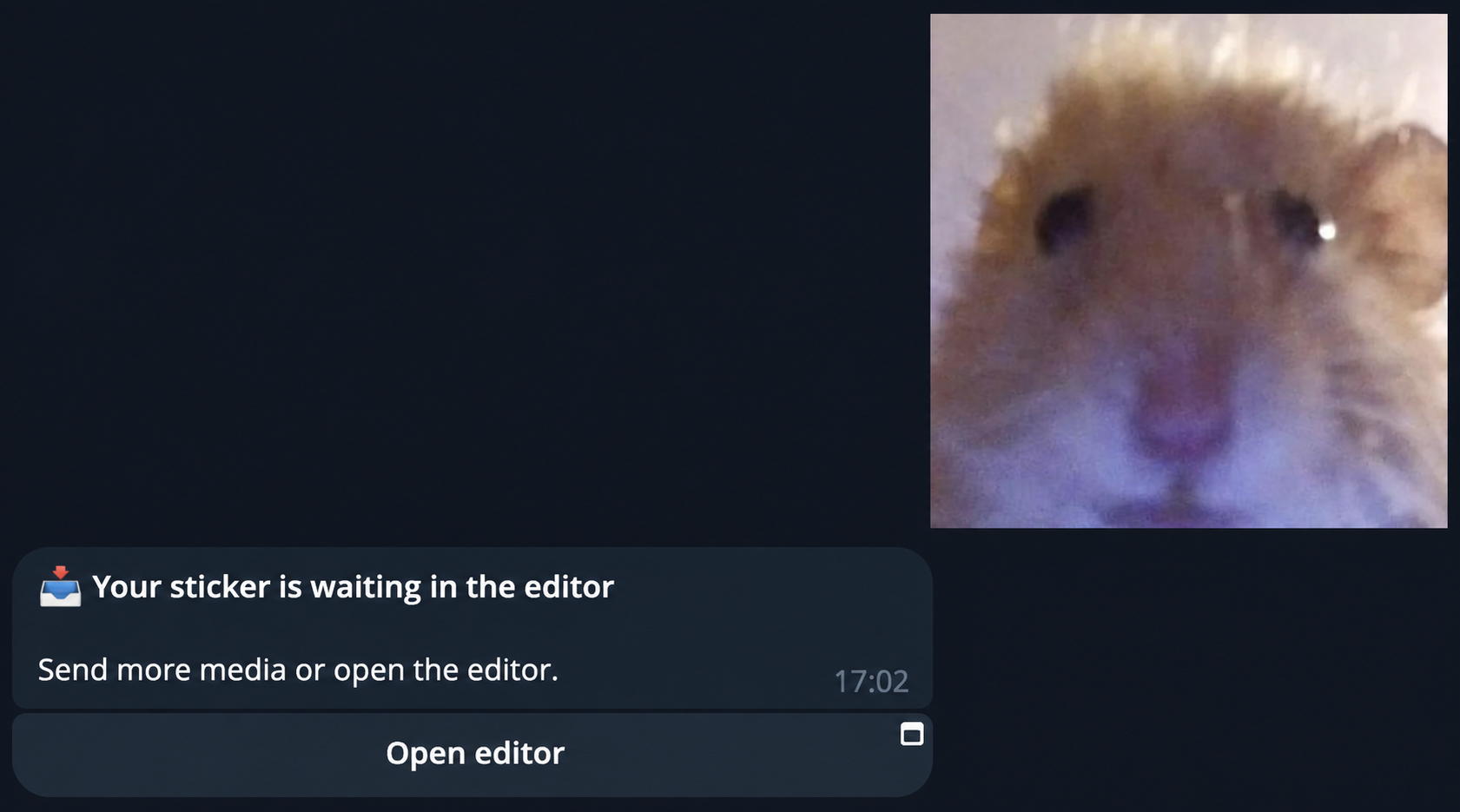
Use the upload action in the editor or send media to the Telegram chat. StickerPen supports photos, short videos, GIFs, existing stickers and custom emoji.
3. Arrange objects in slots
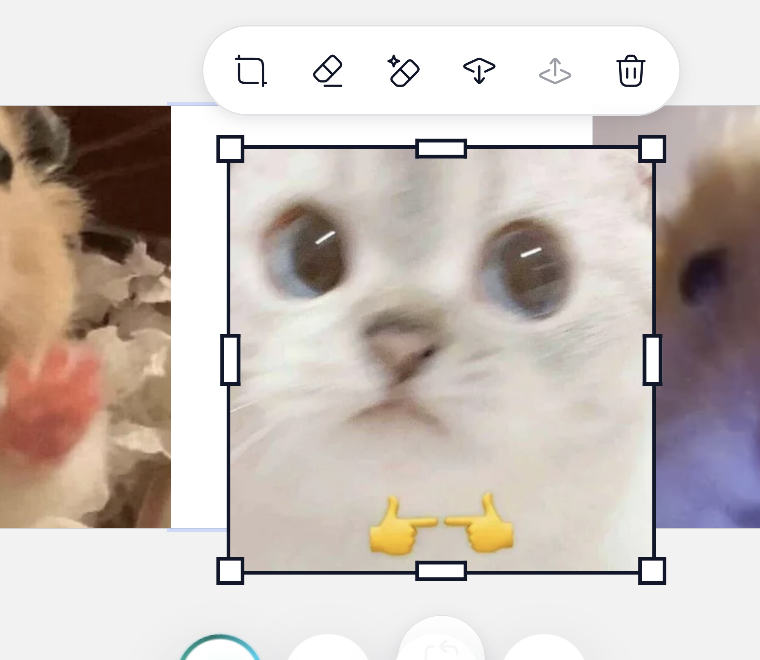
Select a slot before adding media. Move, rotate and resize the active object, change its layer order or remove it. A single slot can contain several objects, including text and shapes.
4. Build a consistent pack
Keep similar margins, scale and visual weight across all slots. Start with the reactions people use most often, then expand the pack after publishing.
- Use clear silhouettes that remain readable in chat.
- Check both light and dark backgrounds.
- Assign relevant emoji before publishing.
- Save changes before moving to another device.
Next guide
Generate stickers with AI