Telegram associates every sticker with one or more emoji. Relevant choices make the pack easier to use because Telegram can suggest the sticker for matching reactions.
1. Open the slot actions
Select a finished sticker and open its emoji action.
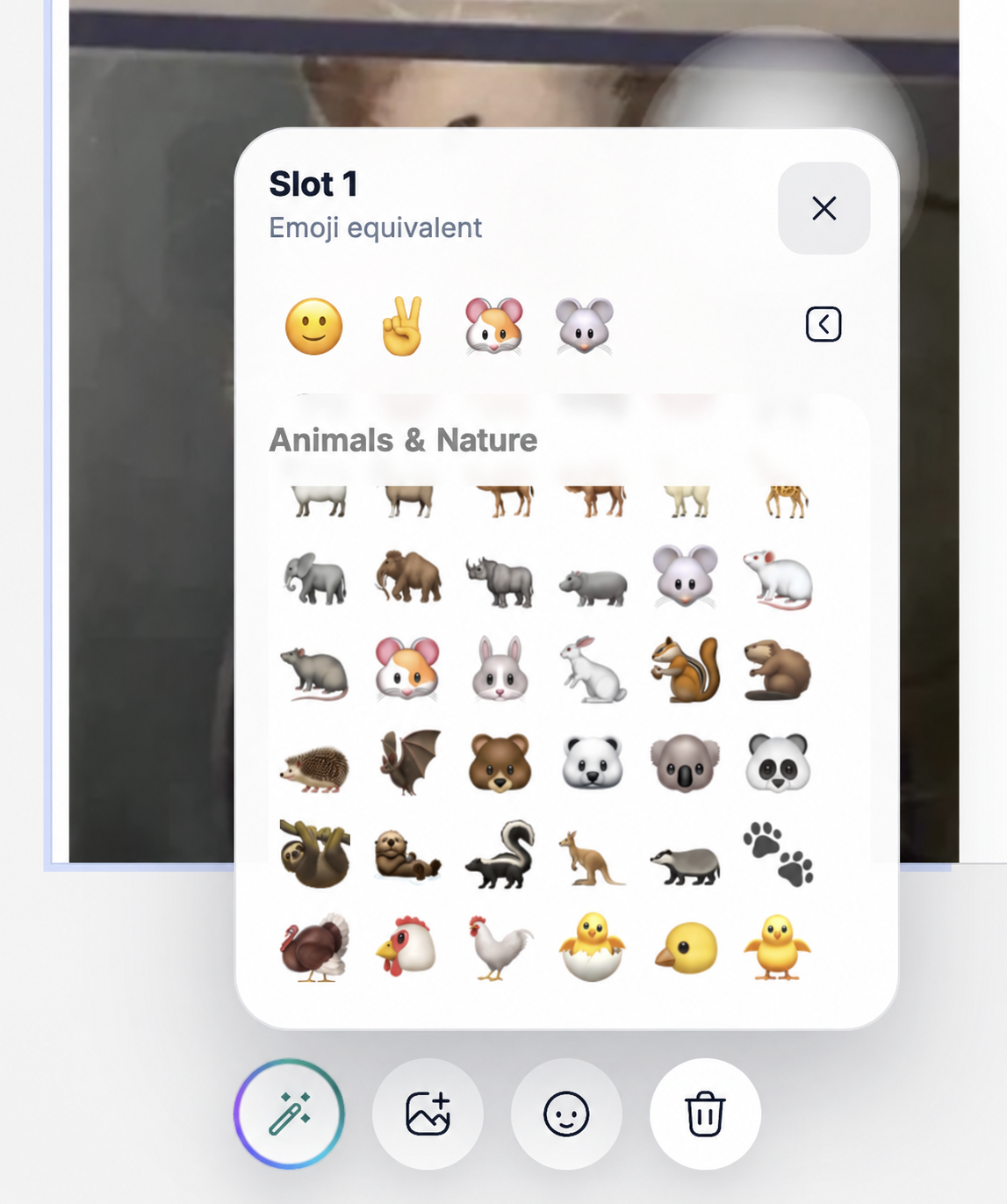
2. Choose up to five relevant emoji
Start with the most literal emotion or object, then add close alternatives. A laughing sticker might use 😂, 😄 and 🤣; a coffee sticker could use ☕ and 😴.
- Choose meanings people will actually search for.
- Avoid filling all five positions with unrelated emoji.
- Keep repeated reactions consistent across the pack.
- Review the choices before publishing.
Plan reactions for the whole pack
A useful starter pack usually covers greeting, agreement, thanks, laughter, surprise, frustration and goodbye. Channel packs can add recurring content labels and calls to action.
Tip:Think about the message someone would type before sending each sticker. That usually reveals the best matching emoji.
Next guide
Publish a pack to Telegram