Publishing does not lock a project. Edit the artwork, emoji assignments or slot order, then update the existing Telegram pack from StickerPen.
1. Edit the published project
Open the same project and make the required changes. StickerPen tracks which published slots are different from their saved version.
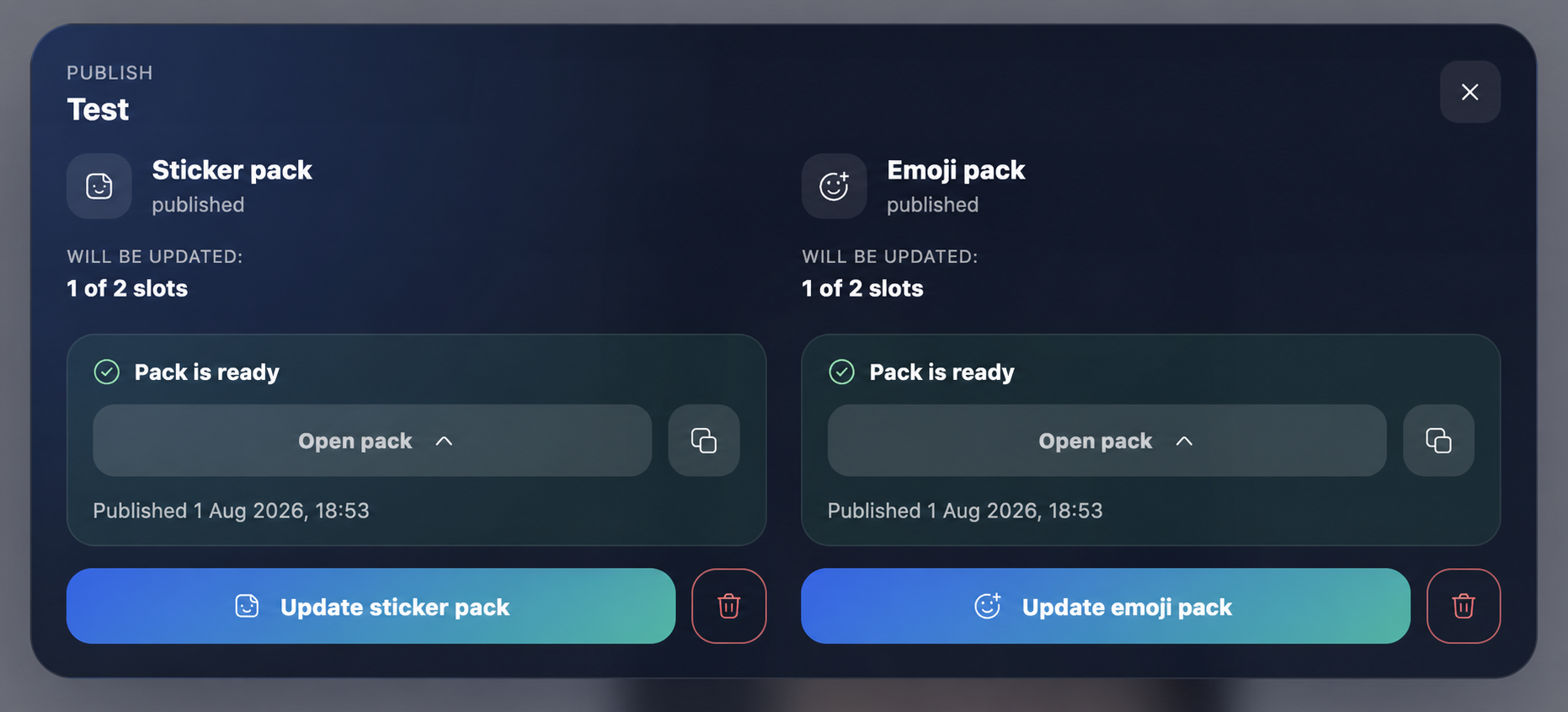
2. Review the update
Open publishing again. The dialog distinguishes unchanged, added, edited and removed slots so you can understand what will happen before sending the update.
3. Update the Telegram pack
Start the update and wait for the affected slots to finish processing. Unchanged artwork does not need to be rebuilt.
4. Check the result
Open the pack link and confirm the order, artwork and emoji associations. Telegram clients can briefly cache old previews, so reopen the pack if a thumbnail does not refresh immediately.
Tip:Keep editing the original StickerPen project. Creating a new project produces a separate pack instead of updating the existing one.