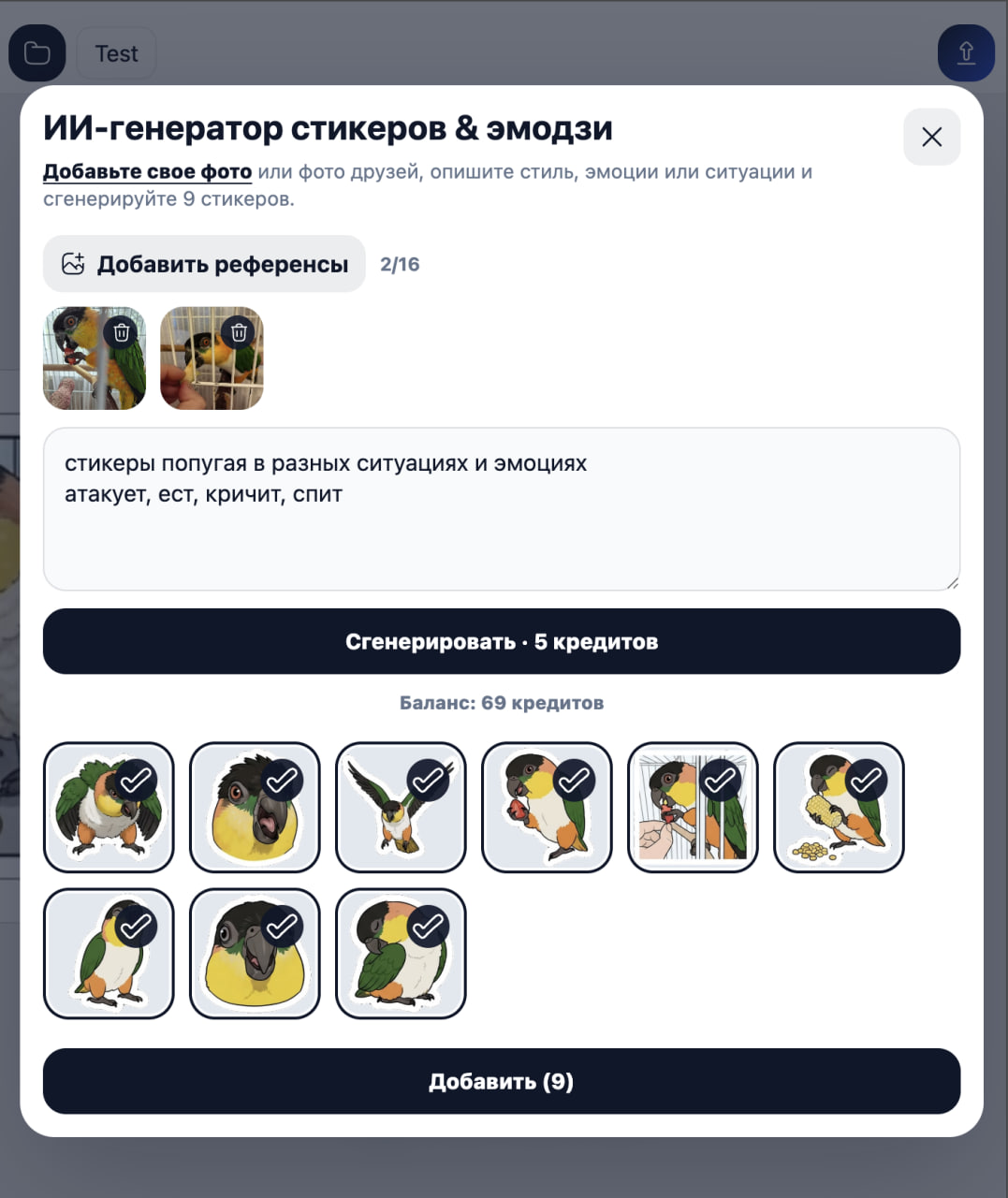
StickerPen can turn a short brief and reference photos into nine sticker concepts with a shared visual style. You remain in control of every idea before the images are generated.
1. Add useful reference images
Upload clear photos of the person, pet or object that should appear in the pack. Use different angles and expressions, but avoid unrelated people or cluttered group shots.
2. Describe the pack, not every pixel
State who the character is, which situations matter and what overall style you want. For example: “A cheerful corgi working from home: celebrating, waiting for a reply, feeling tired and asking for coffee; bright comic style, no captions.”
3. Review nine editable ideas
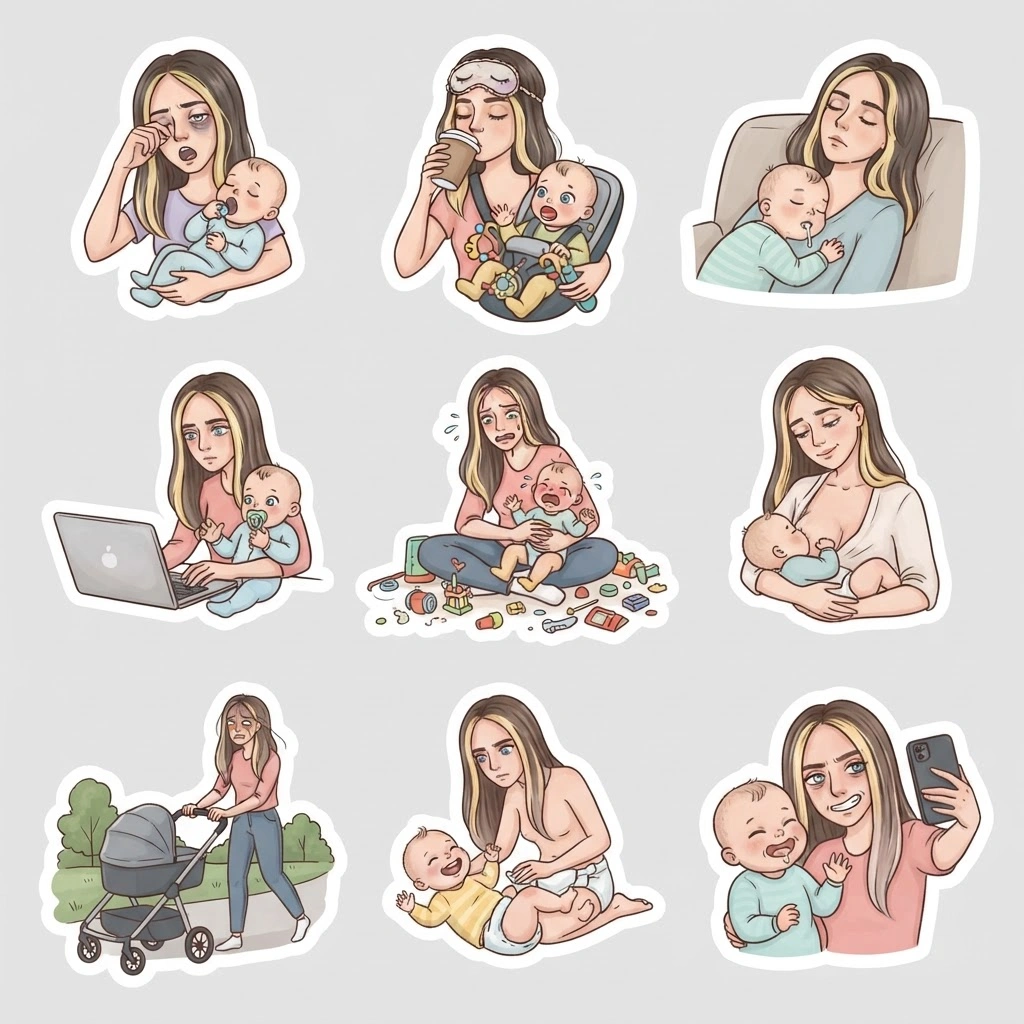
StickerPen proposes a common style and nine individual scenes. Rewrite any description that feels repetitive, unclear or too difficult to recognize at sticker size.
4. Generate and select the best results
Generate the images, compare the variations and add only the strongest stickers to the canvas. You can crop, resize or combine them with other editor elements before publishing.
- Keep the character recognizable across the pack.
- Prefer one readable emotion per sticker.
- Avoid long captions and tiny props.
- Regenerate only the concepts that need improvement.
Next guide
Crop a sticker or emoji