Video stickers
Create a Telegram Sticker from a Video
Turn a short video into a looping Telegram sticker: choose a clip, crop the frame and let StickerPen prepare the WebM file.
Turn a short moment into a looping sticker
Choose an expressive clip with one clear action. Telegram video stickers are short, silent WebM files, so a simple movement usually works better than a long scene.
1. Upload a video
Select a file from your device or send a trimmed clip to the StickerPen bot. GIFs and Telegram video messages can also be useful starting points.
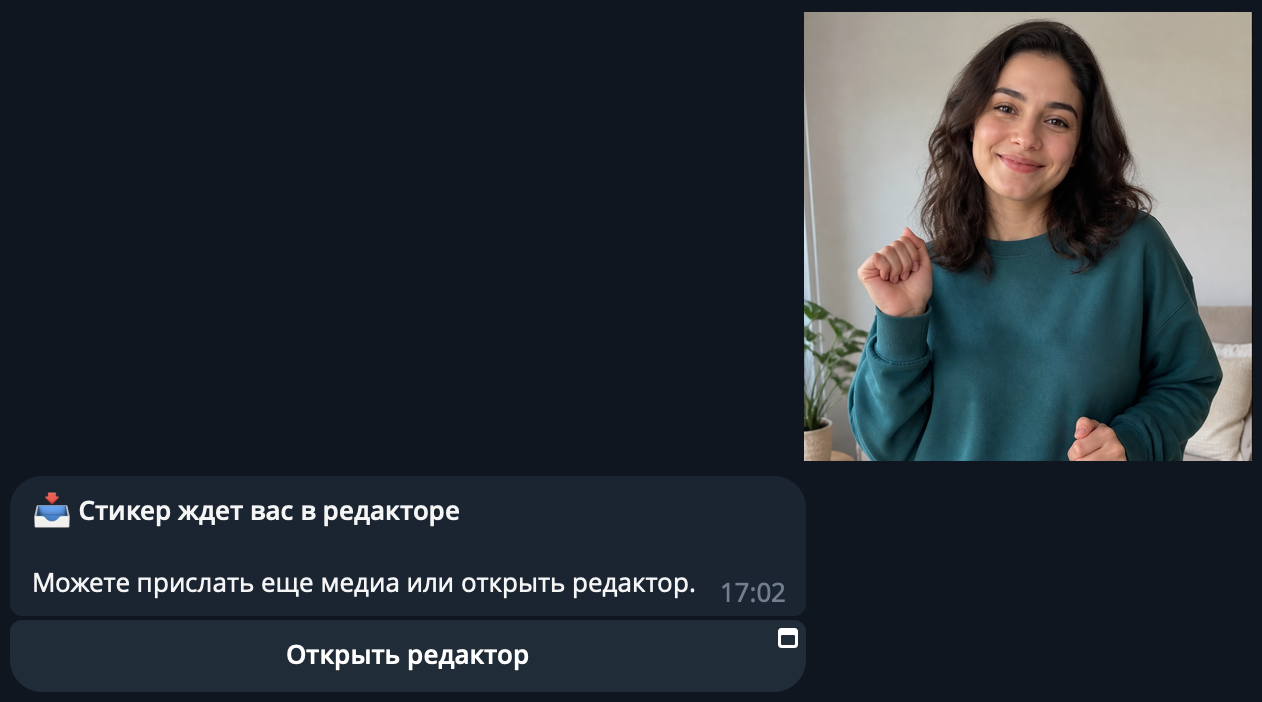
2. Choose a segment and crop it
Keep the final action within three seconds. Crop around the subject, check that the important movement stays inside the frame and avoid cuts that feel abrupt when looped.
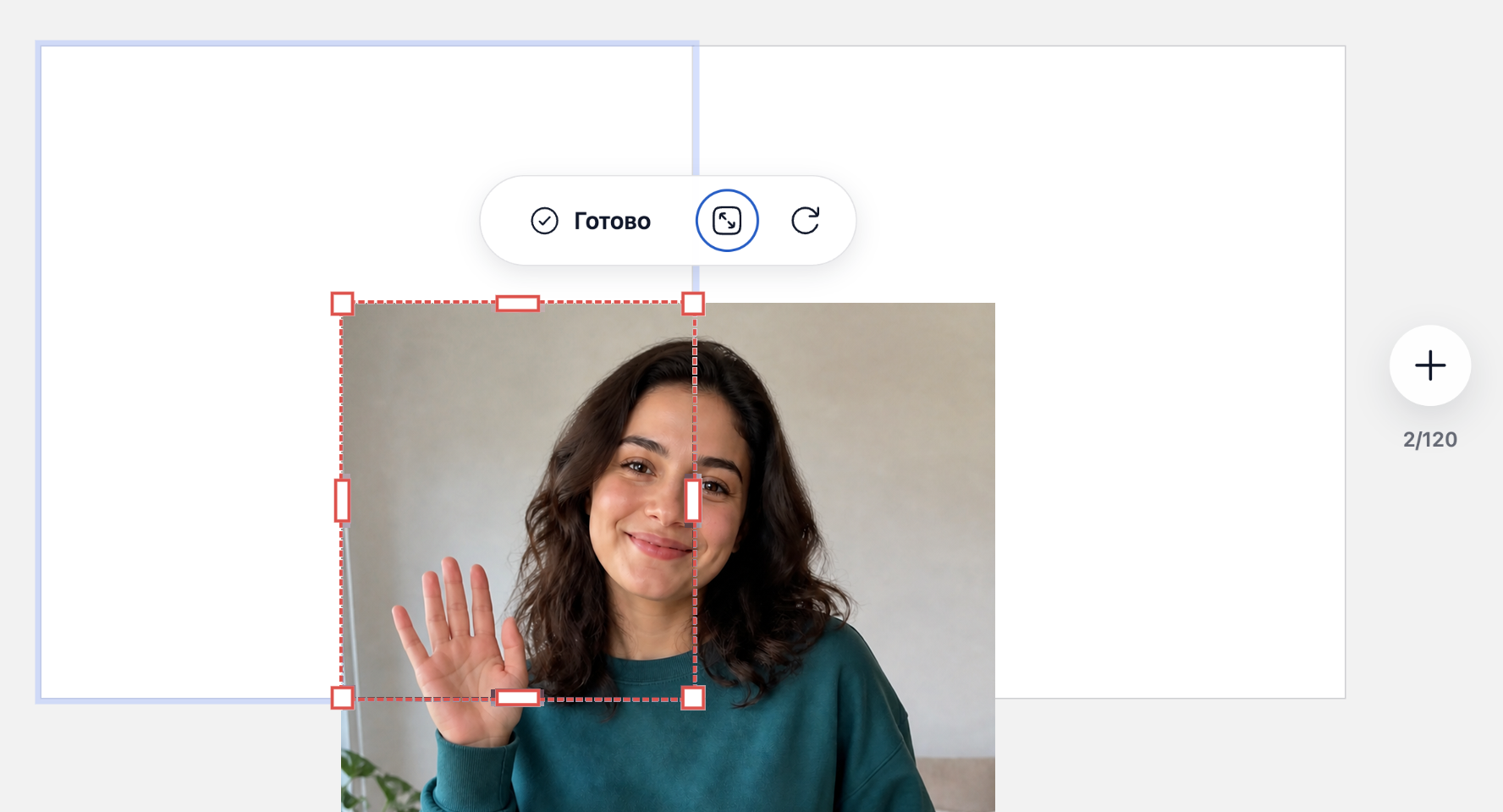
3. Let StickerPen prepare the file
The editor removes audio, prepares the dimensions and encodes the result for Telegram. You do not need to configure VP9 or WebM export manually.
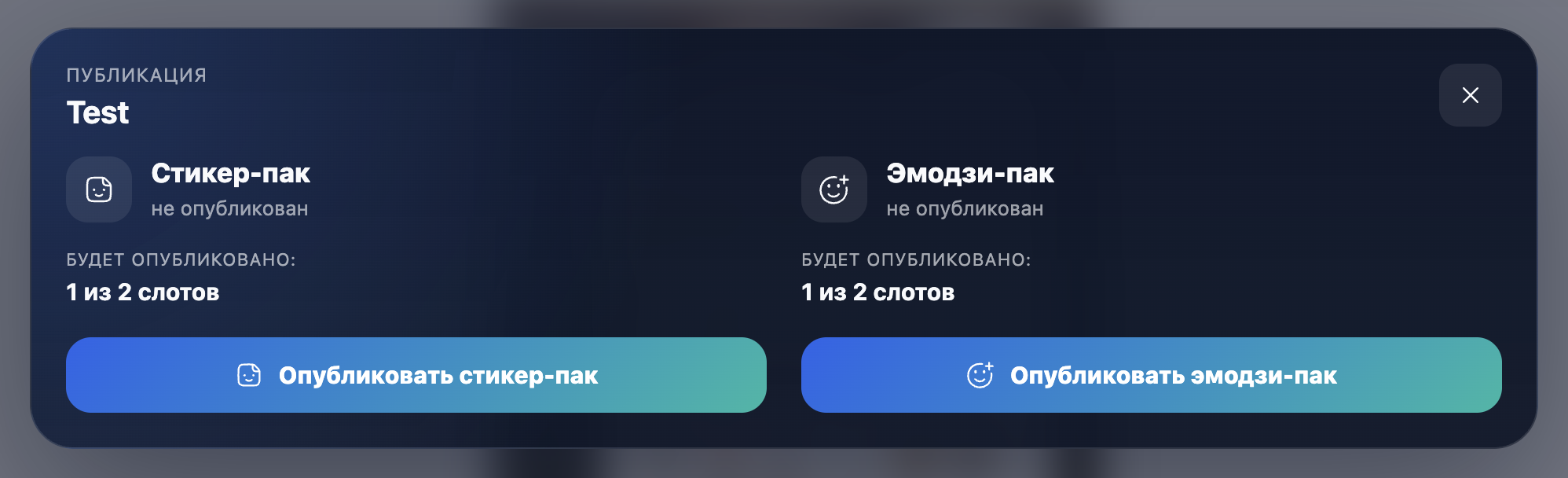
4. Publish the pack
Assign relevant emoji, open publishing and choose whether the project should become a regular sticker pack or custom emoji pack.
Telegram video sticker checklist
- WebM container with VP9 video.
- No audio stream.
- One side is 512 pixels for stickers; custom emoji are 100×100 pixels.
- Up to 3 seconds and 30 FPS.
- Up to 256 KB after encoding.
Create your own pack
Add photos or videos, prepare the artwork and publish the finished pack to Telegram.