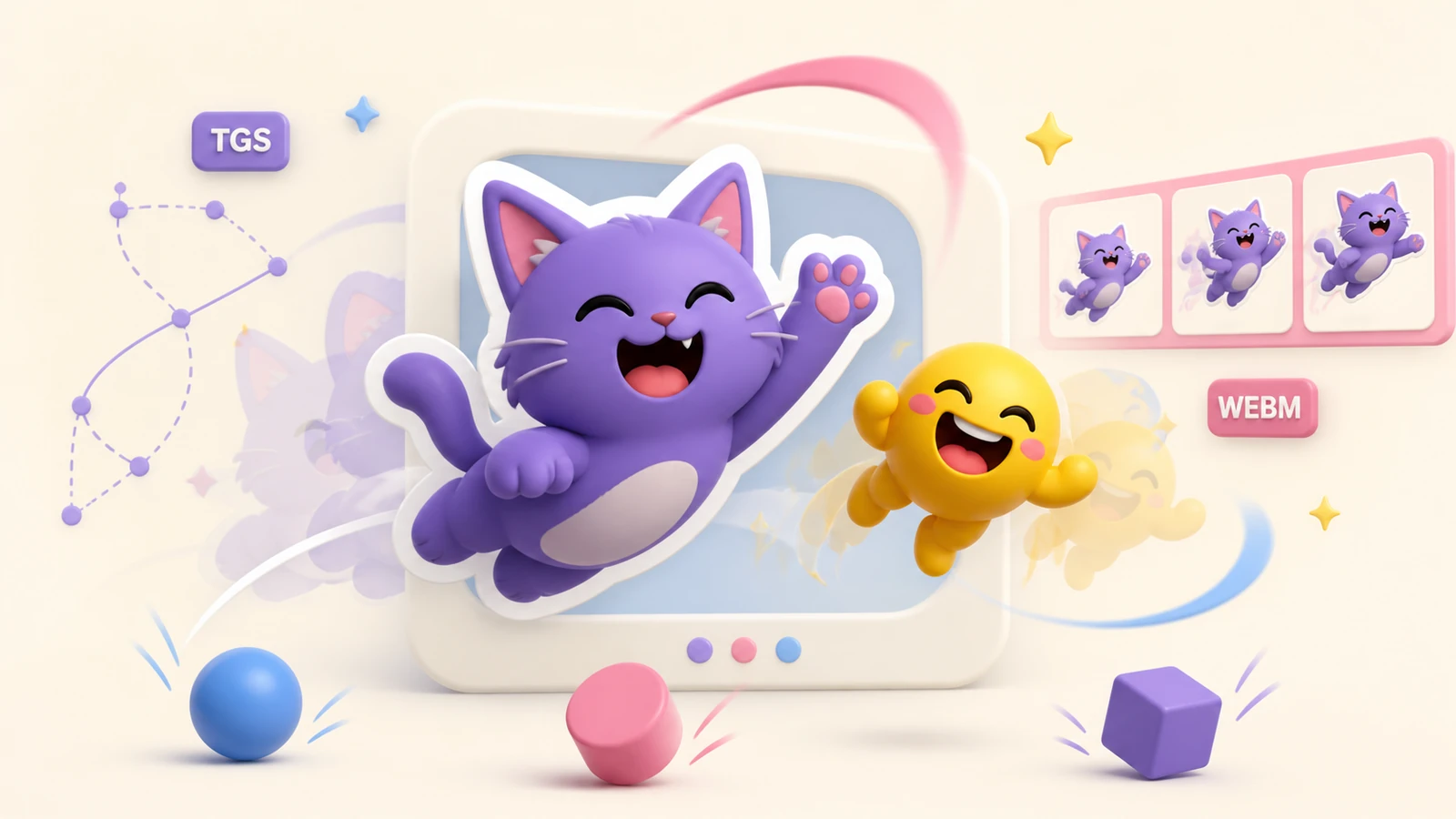
Telegram supports two motion workflows: vector TGS animation and WebM video. Both can produce animated stickers or custom emoji, but they require different tools and suit different source material.
TGS animated stickers
TGS is Telegram’s Lottie-based vector format. It is ideal for clean character animation, logos and shapes that need to stay sharp, but creating it usually requires vector artwork, animation software and Telegram-compatible export tools.
- 512×512 pixel canvas.
- Up to 3 seconds and looped.
- 60 frames per second.
- Up to 64 KB after export.
WebM video stickers
WebM is easier when the source is a phone video, rendered animation or GIF. Telegram requires a VP9 video without audio. For stickers, one side is 512 pixels; custom emoji are exactly 100×100 pixels.
- Up to 3 seconds.
- Up to 30 frames per second.
- Up to 256 KB.
- A clean loop is recommended.
See Telegram’s official WebM encoding guide for the current technical specification.
Which format should you choose?
| Choose TGS when… | Choose WebM when… |
|---|---|
| You have vector artwork and animation experience | You already have a video, GIF or rendered clip |
| You need very crisp, lightweight motion | You want a faster, more accessible workflow |
| The design avoids unsupported Lottie features | The artwork relies on texture or photographic detail |
Create video stickers with StickerPen
Upload a video, GIF or Telegram video message, choose the useful moment and crop the frame. StickerPen prepares the duration, dimensions and output format before publishing the pack. It focuses on video stickers rather than authoring TGS vector animation.
Create an animated Telegram pack
Turn short clips and GIFs into publishable video stickers without manual encoding.
Open StickerPen