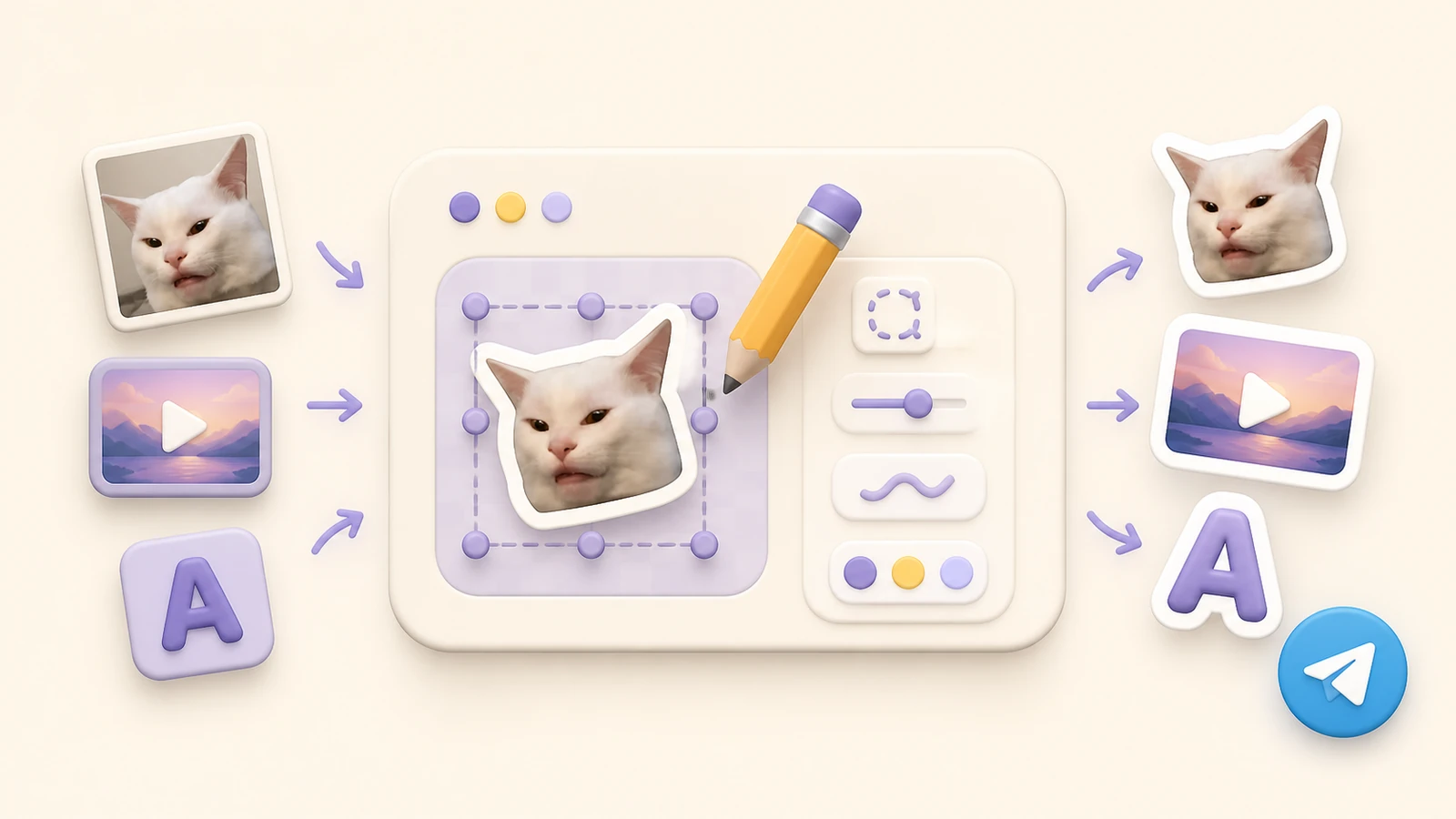
You can create a Telegram sticker online without learning a desktop design app. Start with a photo, illustration, GIF, short video or a simple idea, then let StickerPen prepare and publish the final pack.
Choose the right source
A strong sticker communicates one reaction immediately. Pick a clear face, gesture, object or short action and remove details that will disappear at chat size.
- Photos: use a sharp subject with good contrast.
- Illustrations: favor bold shapes, outlines and readable colors.
- Video and GIF: choose a short action that loops naturally.
- AI: provide several references and one consistent style brief.
Telegram sticker formats
| Type | Format | Best for |
|---|---|---|
| Static sticker | PNG or WebP | Photos, drawings and text |
| Video sticker | WebM with VP9 | Short clips and GIF-like motion |
| Animated sticker | TGS | Vector animation |
| Custom emoji | Static, video or animated | Inline messages, reactions and statuses |
For regular stickers, one side must be exactly 512 pixels and the other can be 512 pixels or less. Custom emoji use a 100×100 pixel canvas. Telegram documents the current details in its official sticker requirements.
How to create a sticker with StickerPen
- Create a project. Open StickerPen in Telegram and start a new pack.
- Add media. Upload from your device or send the source through the bot chat.
- Edit the artwork. Remove the background, crop, resize, rotate and add text or shapes.
- Assign emoji. Connect every sticker with the reactions people are likely to use.
- Publish. Choose a sticker or custom emoji pack and open the finished Telegram link.
StickerPen handles canvas size, conversion and output limits during publishing, reducing the repeated export-and-upload cycle common in manual workflows.
Build a pack people will use
Start with common moments: hello, thanks, agreement, laughter, surprise, frustration and goodbye. Keep character scale, outlines and color treatment consistent across the set.
Test every sticker on light and dark chat backgrounds. If text is necessary, keep it short and large enough to read without opening the sticker preview.
Create your Telegram sticker pack
Add a photo, video or idea and publish a ready-to-share pack from one editor.
Open StickerPen