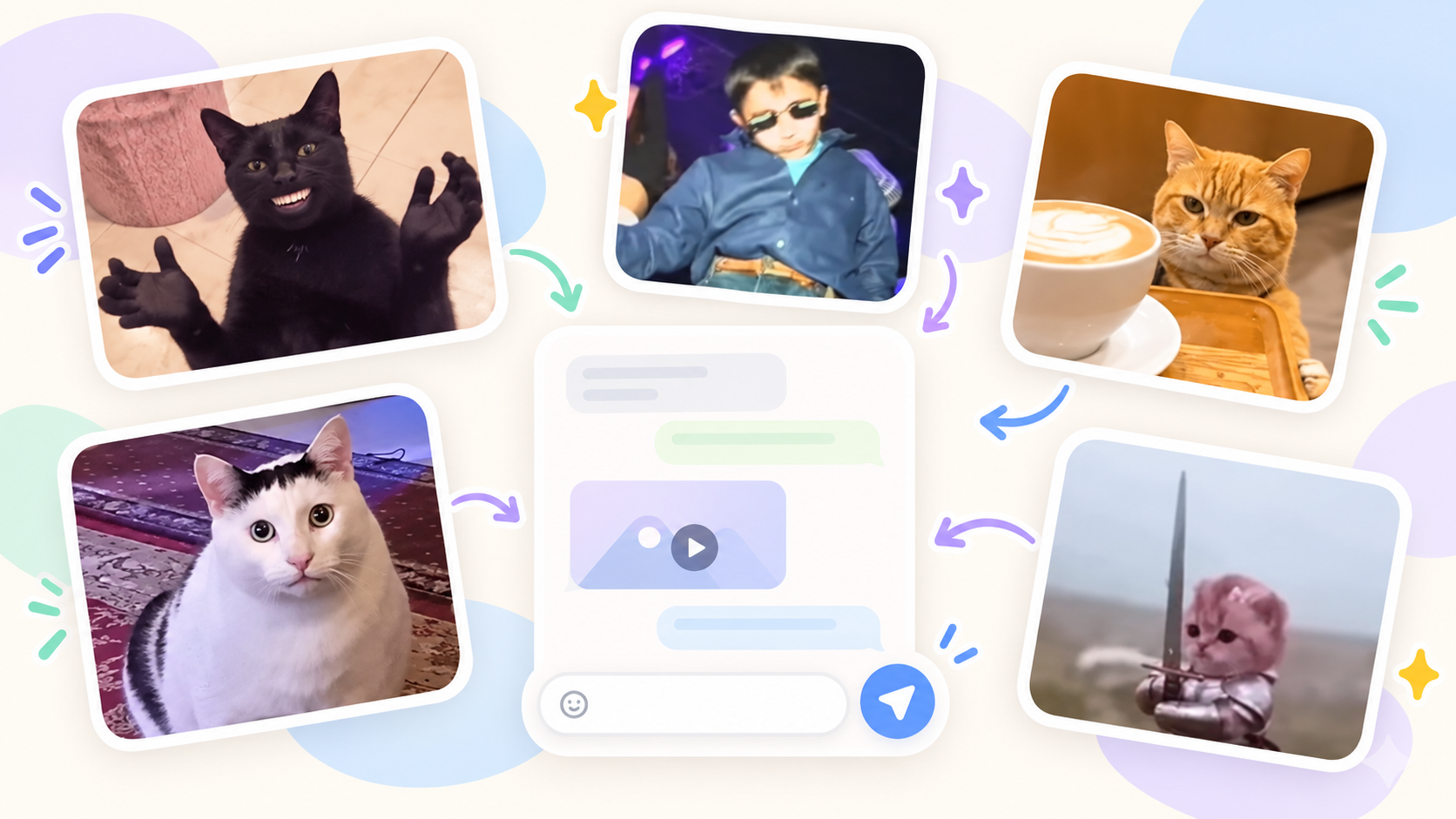
Turn your favorite meme GIFs into a complete Telegram sticker pack. Unlike regular GIFs, stickers stay in Telegram’s sticker panel, so the right reaction is easy to find and send.
Create a sticker from a GIF
Upload an animation to StickerPen, crop it if needed and build your own pack.
Open StickerPenWhere to find meme GIFs
You can use GIFs from Telegram or themed GIF catalogs. For example, GIFS.RU has current memes, reactions from movies and shows, and popular internet jokes.
To download a GIF from the site, open the animation you like and press the download button. Save the file to your device and send it to the StickerPen bot.
If the GIF is already in Telegram, simply forward it to the bot. You can also add text directly on top of the animation in the editor.
How to turn a GIF into a sticker
- Open the StickerPen bot in Telegram.
- Send it a GIF file or forward an animation from Telegram’s GIF panel.
- Open the editor and select the received file.
- Adjust the crop if needed so the main subject stays in the center.
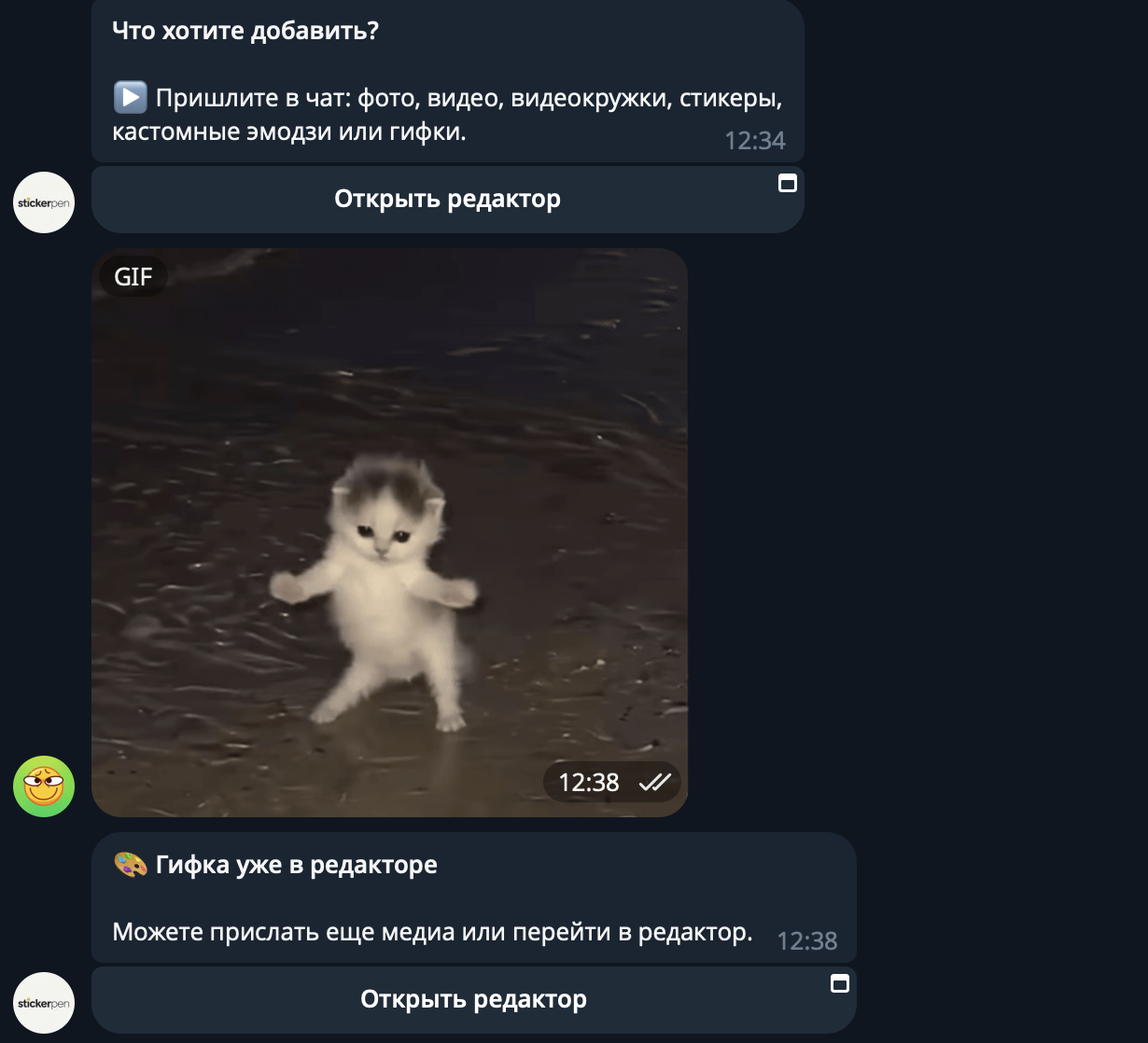
StickerPen prepares the GIF for you
You do not need to convert the GIF beforehand. StickerPen trims the animation, fits its size and resolution, and transcodes it into a suitable format.
If you process files manually, you need to check the size, duration, format and resolution for every GIF. That can take a lot of time when you are working with several animations.
For more about animated files, read How to make video stickers for Telegram.
How to build and publish a sticker pack
Add more photos, videos or animations to the project until the pack is ready. You can keep separate projects for memes, reactions or short funny clips.
When everything is ready, use the pack creation button in the top-right corner of the editor. StickerPen supports animated sticker packs and custom emoji packs.
Packs with more than five stickers or emoji require generations on your StickerPen balance. The same generations can also be spent on creating images with AI.
Conclusion
To build a meme sticker pack, download the GIFs you like, send them to the StickerPen chat and adjust the crop if needed. The editor handles the duration, size, resolution and format.
Then publish the pack and use your current meme reactions directly from Telegram’s sticker panel.